Your day, in one calm place.
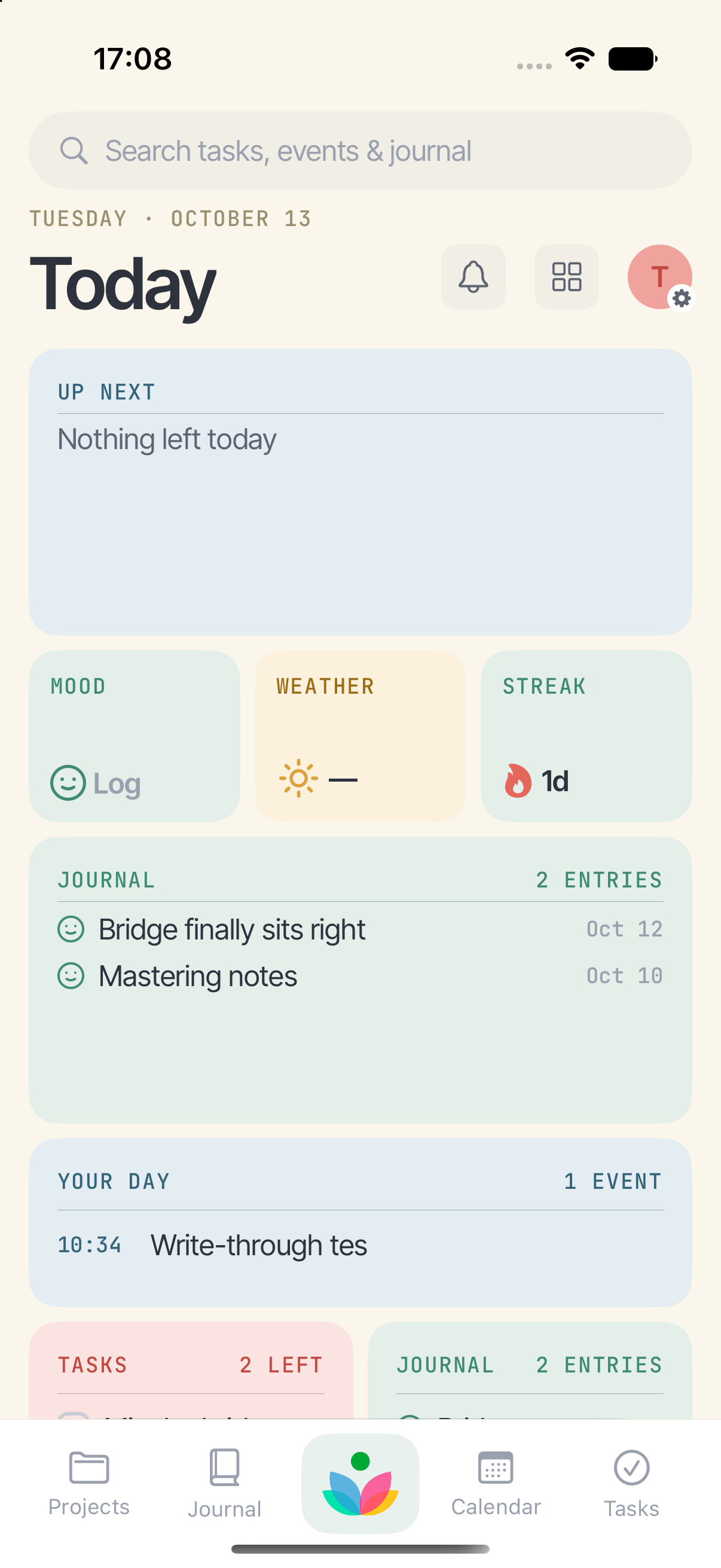
Bloom holds your tasks, your journal and your calendar together — so what you have to do, what you did, and what's coming all live in the same place. On your iPhone and iPad, and nowhere else.
No account. No server. Nothing collected. Your writing stays on your device and syncs through your own iCloud, if you want it on more than one.
A look at it
What it does
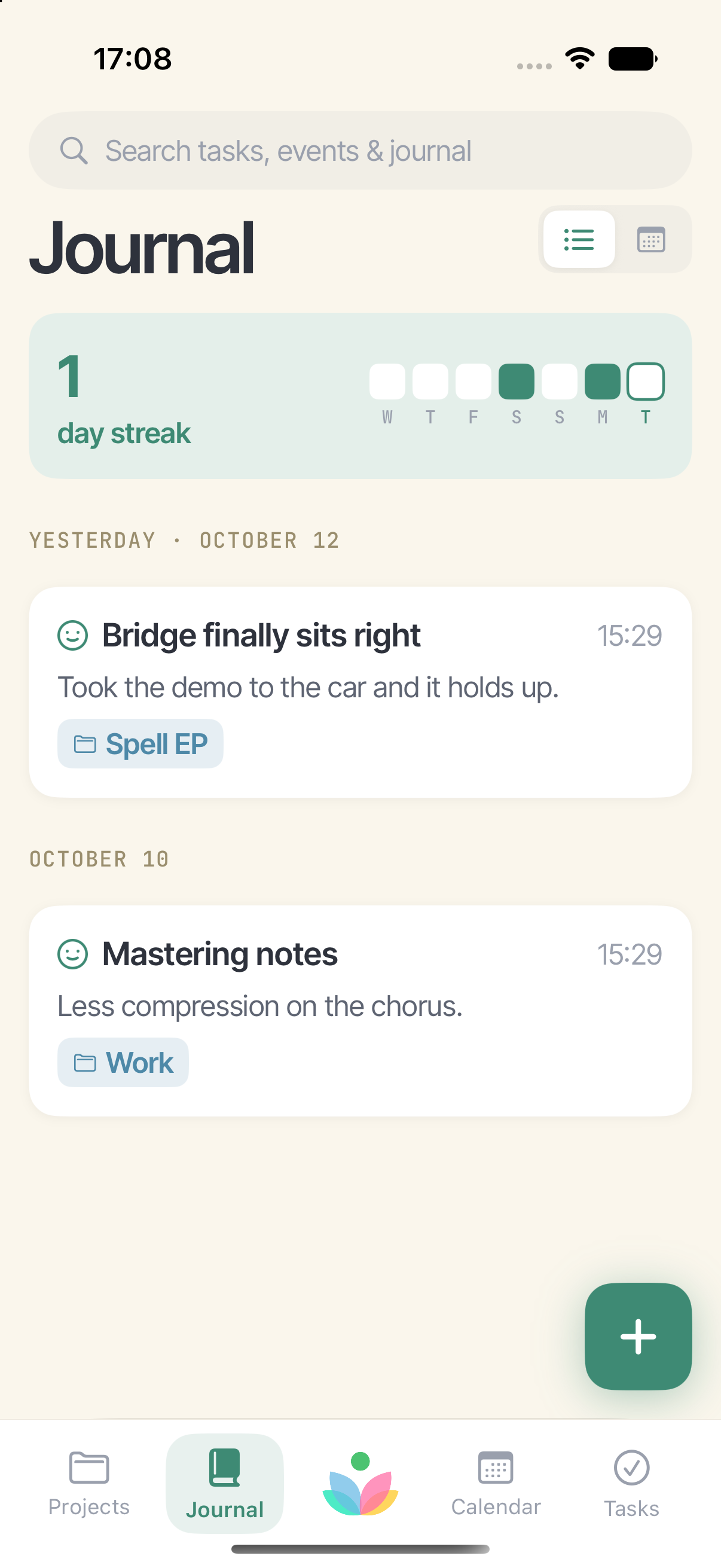
Write the day, not just a note
Photos, the places you went, what you were listening to. Entries name themselves when you don't.
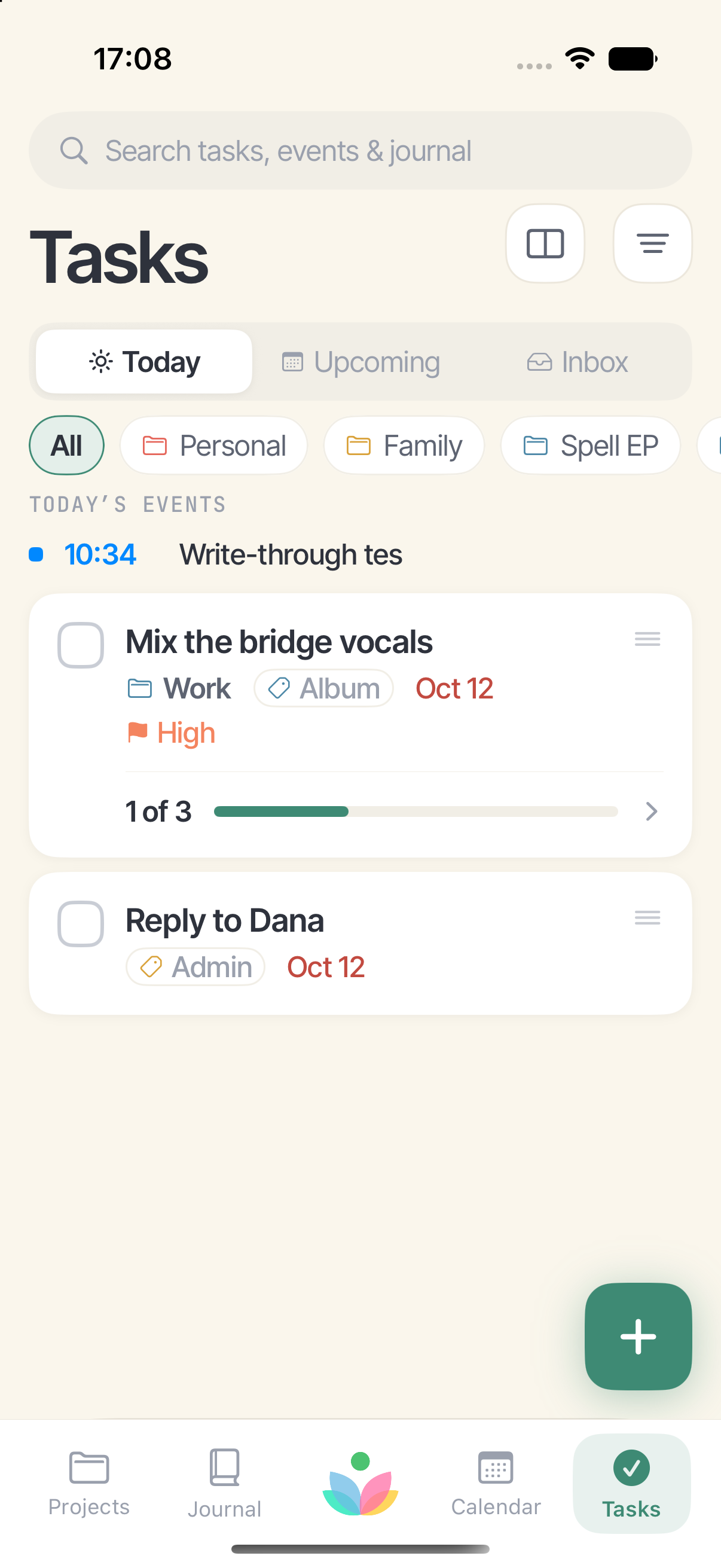
Tasks with somewhere to be
Today, Upcoming and an Inbox for what hasn't been decided yet. Subtasks, priorities, reminders that fire.
Your real calendars
Bloom reads the calendars already on your phone — iCloud, Google, Exchange — and writes your events back to them.
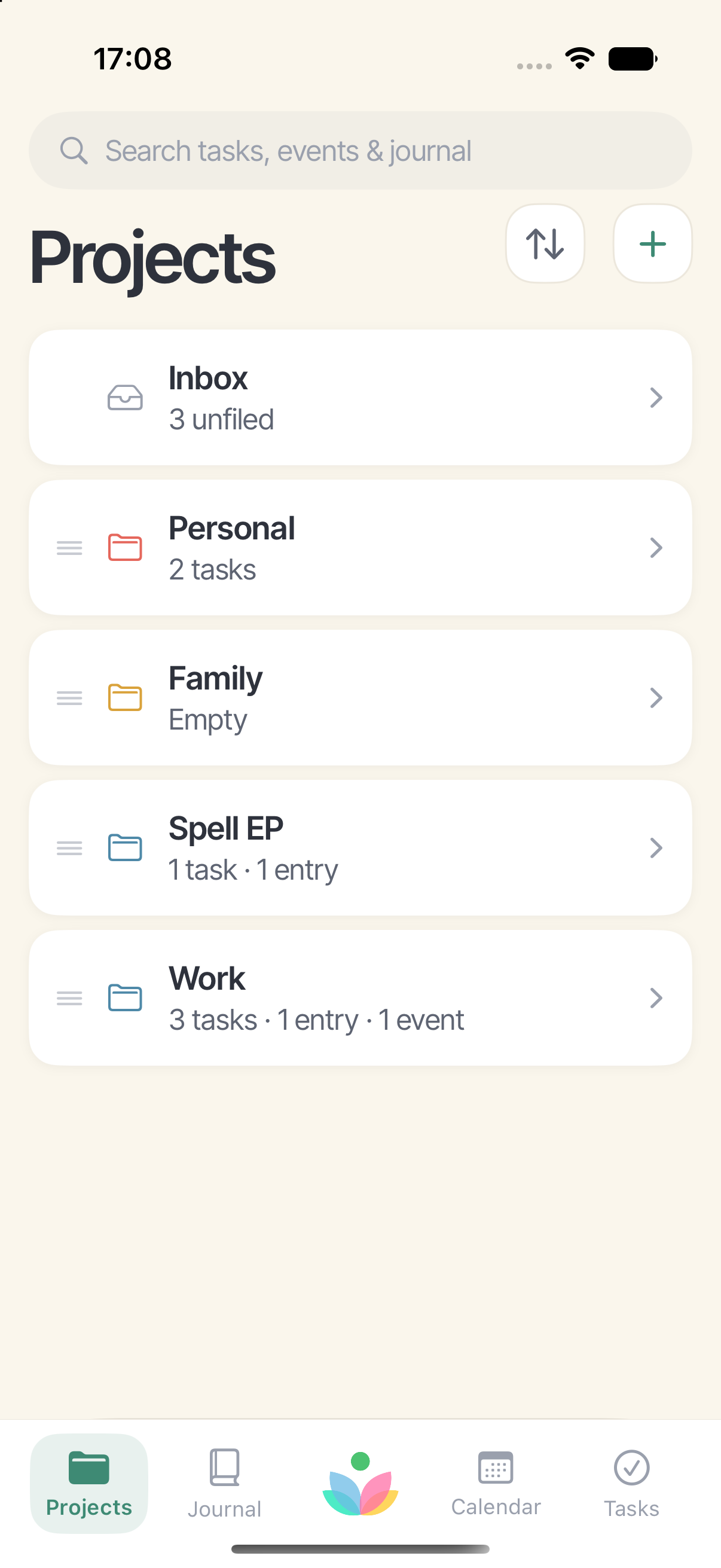
Projects that hold everything
One piece of work, with its tasks, its entries and its events in one place instead of three.
Sync you control
Off until you turn it on. When it's on, it runs through your own iCloud — not a server of ours.
Yours to take away
Export everything as plain JSON with your photos beside it, whenever you like.
Private because of how it's built
There is no account to create, so there is no database of users anywhere. Sync uses the same private iCloud storage your photos and messages use — we can't read it, and neither can Apple. The privacy page says the rest, plainly.
Questions
Support covers syncing, calendars and getting your writing out. Anything else: majesticdreamsstudio@gmail.com.